A custom payment API integration is code that connects your own software to a payment platform, so customers can pay inside your product without being sent somewhere else. Most businesses do not need one, and the ones that do should decide with a short list of questions before any developer starts. This guide explains what an API is, when a custom build is worth it, when a simpler tool does the job and exactly what to ask a payment provider about documentation, a test environment, webhooks, tokens and support.
The short answer
- You may not need one. Hosted checkout, plugins, payment links and a virtual terminal handle many businesses with no code.
- You probably do need one when payment has to happen inside your own software, your workflow does not fit a standard tool, or you build software for other businesses.
- The code is only part of the job. Merchant approval, ACH behavior, refunds, settlement and production issues all show up after the first test works.
- Ask questions before you build. The 12 questions below take less than an hour and can save weeks.
- Support is a feature. Good documentation helps you start. Reaching a person who knows the system helps you finish.
What an API is, in plain words
An API is a set of rules that lets one piece of software talk to another. NPS puts it simply: an API allows software systems to communicate with each other. In payments, your application sends a request to the payment platform, such as “charge this customer” or “create this invoice,” and the platform sends back an answer, such as “approved” or “declined.”
A RESTful API is one common style of API. If a provider offers one, ask your developer whether that style fits your software. A webhook goes the other direction. Instead of your software repeatedly checking for changes, the platform sends your software a message when something happens. The NPS B2B Vault guide gives a clean example: invoice paid, webhook triggered, ERP updated automatically. An ERP is the software a company uses to run its accounting, inventory and orders.
Together these let the payment become part of your own product. NPS notes that the payment layer can become part of the application itself, with customers, stored payment methods, recurring billing, invoices, refunds and transaction status all handled by the same system.
Three options for integration, from no code to custom
People use “integration” for very different amounts of work. It helps to sort your need into one of three options before you talk to any provider.
- Option 1: no code. You take payments with a virtual terminal, a hosted checkout page or a payment link you send by email or text. See our guide to payment links and invoicing for how a link settles and what risks to watch.
- Option 2: a plugin or an existing connection. Your platform already connects to a payment provider. NPS lists integrations with more than 500 software products, so your accounting, POS or ecommerce tool may already be covered. The semi-integrated vs fully integrated POS guide covers how a register and a payment terminal connect.
- Option 3: custom API work. Your developers build the payment steps into your own software. This is the option this guide is about.
The honest rule is to use the simplest option that does the job. Every step up the list adds build time, testing and upkeep.
When a business needs a custom integration
A custom build is usually worth considering in these situations.
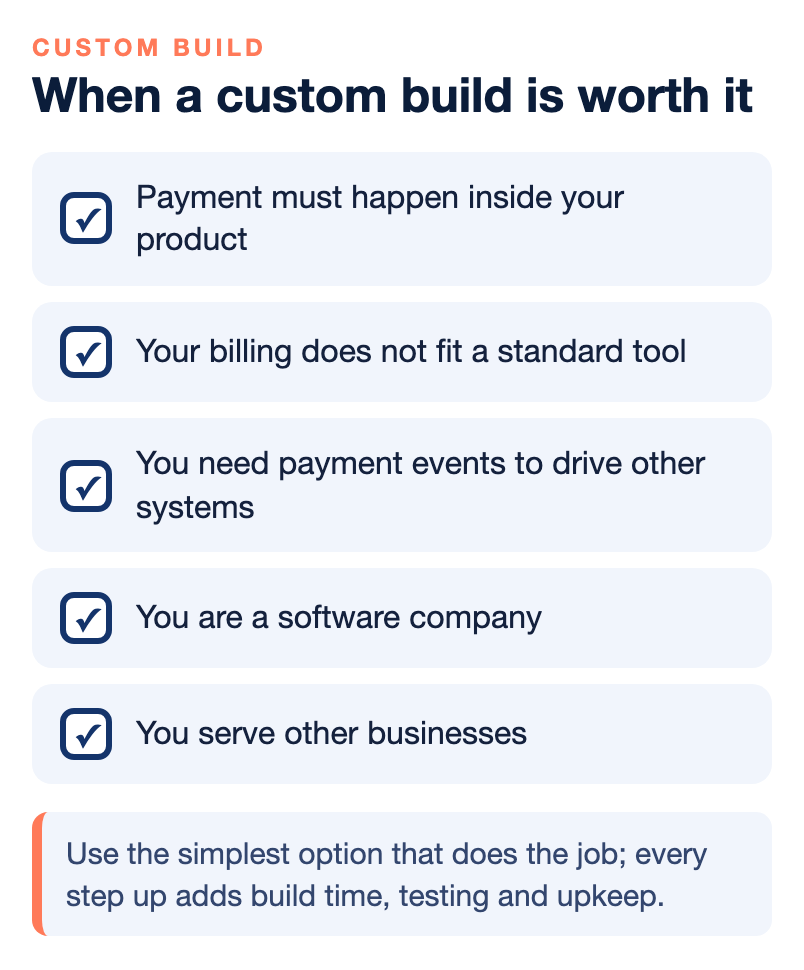
- Payment must happen inside your product. Your customers log in to your app, and sending them to another site would feel broken or lose the sale.
- Your billing does not fit a standard tool. You have usage-based charges, several payers on one account, deposits, partial payments or approval steps that a standard invoice screen cannot model.
- You need payment events to drive other systems. When a payment succeeds or an ACH item changes status, something else in your software must react automatically.
- You are a software company. If you build software for other businesses, payments may become part of what you sell. Read what an ISV is in payments and how SaaS companies can monetize payments before you design anything.
- You serve other businesses. B2B software often needs ACH, recurring billing and enhanced card data for larger invoices. See our B2B payment gateway guide for why those matter.
When a custom integration is probably too much
Do not build code to solve a problem that a simpler tool already solves. A custom integration is probably more than you need when:
- You take a modest number of payments and a hosted checkout or payment link covers them.
- Your accounting or POS software already connects to a processor you can use.
- You have no developer and no budget to maintain code after launch.
- Your main goal is lower card fees. That is a pricing and card-mix question, not an integration question.
Keep in mind that code is never finished. Payment platforms change, your software changes, and someone has to fix things when a payment fails at 5 p.m. on a Friday. If nobody owns that, a simpler tool is the safer choice.
What the code does not solve
The most common surprise is that a working API does not mean a working payment business. Several parts sit outside the code.
- Merchant approval. NPS puts it this way: merchant underwriting is not an API endpoint. The software may integrate perfectly and the merchant still has to be approved. Underwriting can look at business type, products, ownership, website, processing volume, average ticket, chargebacks, compliance and financial information.
- Your customers’ industries. If your software may attract specialized or higher-risk businesses, a payment provider can reject those merchants even though the API works perfectly. Ask about this before you build, not after.
- Production versus test. A test environment is a safe copy where fake payments are used. Real life can behave differently, so ask how you will test with real settings before you launch.
- Edge cases. Refunds, voids, settlement timing, recurring payment failures and ACH statuses are where documentation tends to run thin.
When payments live inside your software, your customer does not care whether a problem started with your code, the gateway, the processor, the acquirer, the card network or the issuing bank. They only know that payments are not working. That makes payment support part of your own reputation. Our guide on why a payment API is only as good as the support behind it goes deeper on this point.
Cards, ACH and the rest of the payment menu
An integration is not only about card numbers. Decide up front which payment types your software must handle, because each one changes the build.
- Cards. The most familiar type. Ask how the platform handles stored cards, refunds and voids.
- ACH. A direct bank transfer. It is often a good fit for large or recurring invoices, and it has its own statuses and return behavior that your software must understand. Our ACH optimization guide explains the cost side.
- Recurring billing. Charges that repeat on a schedule using a saved payment method.
- Payment links and invoices. A way to collect payment without building a full checkout.
- Enhanced card data. If you serve businesses, ask whether Level 2 and Level 3 data can be sent so qualifying commercial card payments can be priced lower.
A tokenized payment credential matters here. As NPS explains, a business can securely maintain a tokenized payment credential for authorized future transactions. In a custom build, the token is what your software stores, not the card number itself, which can reduce your exposure to card data.
Twelve questions to ask a payment provider
Use these before you sign anything or write code. They are questions, not claims about any provider, and a good provider will answer each one clearly. Write down the answers and compare providers side by side.
Documentation and testing
- Is the API documentation public, and can my developer read it before we commit?
- Is there a sandbox, a test environment, and how do we get access to it?
- What differs between the sandbox and the live system, and how do we test the difference?
Events and data
- Do you support webhooks, and which payment events can they report?
- How do you handle tokenization, and can we store tokens for future or recurring payments?
- Which payment types can the API handle: cards, ACH, recurring billing, refunds, voids, payment links?
Merchants and approval
- Who handles merchant onboarding and underwriting for our customers?
- What happens if one of our customers is declined, and what do we tell them?
- If our software serves B2B buyers, do you support Level 2 and Level 3 data?
Support and growth
- Can my developer talk to a person who understands the API, or only submit a ticket?
- What happens when we hit a problem in production, and how fast can we reach someone?
- Can the platform scale with us if volume or the number of merchants grows?
Pay special attention to the answers to questions 10 and 11. Developer time is expensive, and a provider that looks cheaper can cost more if your team loses hours or days waiting for answers.
How to run the decision in one afternoon
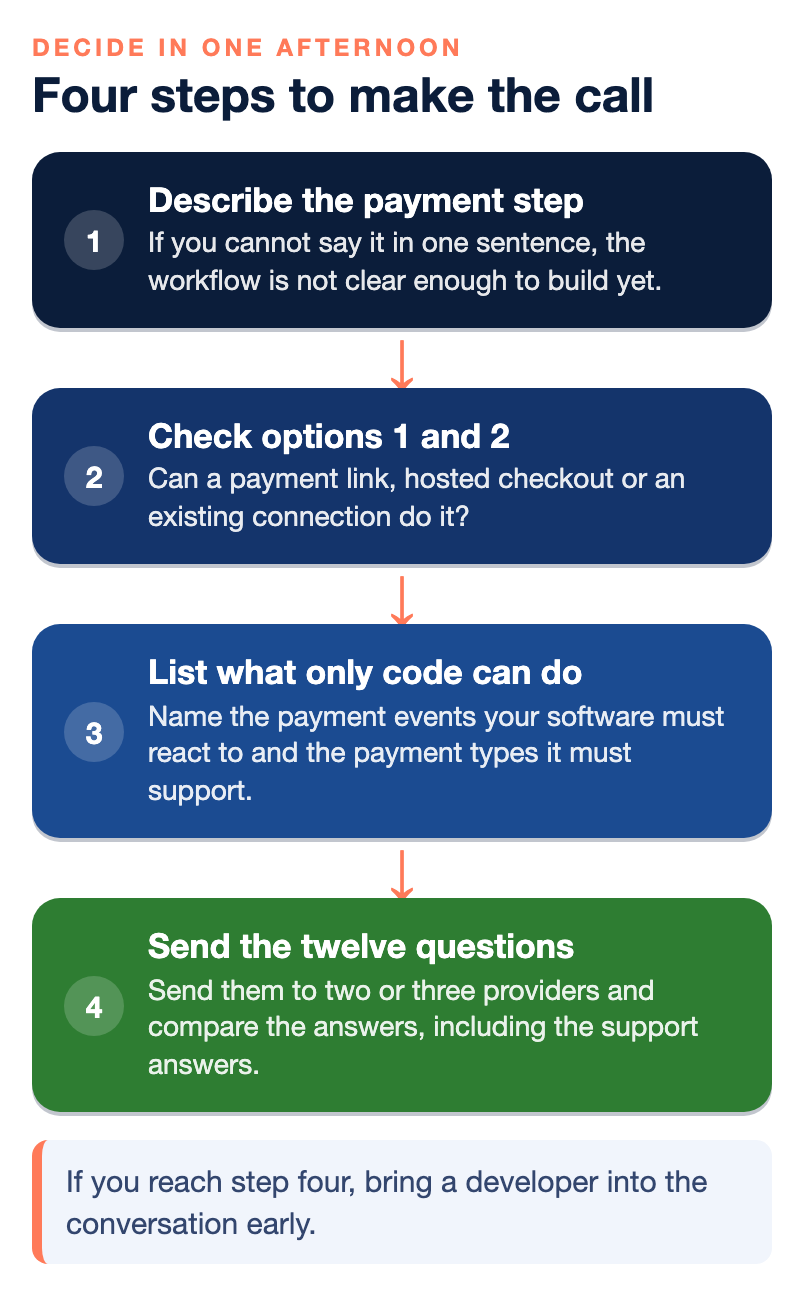
You do not need a long project to make this call. Work through four steps.
- Describe the payment step in one sentence. For example: “A customer logs in, sees an invoice and pays by card or bank transfer.” If you cannot say it in one sentence, the workflow is not clear enough to build yet.
- Check options 1 and 2. Can a payment link, hosted checkout or an existing connection do it? If yes, start there and revisit later.
- List what only code can do. Name the payment events your software must react to and the payment types it must support.
- Send the twelve questions to two or three providers and compare the answers, including the support answers.
If you reach step four, bring a developer into the conversation early. They will think of questions a business owner would not.
Common mistakes
- Choosing on fees alone. Developer time, support delays and production problems are part of the real cost.
- Ignoring approval. Building before you know how your customers get approved.
- Treating payment as a checkout button. A payment API usually has to manage customers, stored methods, invoices, refunds and status, not only one transaction.
- Skipping ACH. For larger invoices, leaving out bank transfers can leave your customers paying more than they need to.
- Not planning who maintains it. Decide in advance who owns the code after launch.
For a wider view of how these choices fit together, see why payment architecture matters more than processing.
Who wrote this, and where NPS fits
Nationwide Payment Systems publishes this guide. We are a payments company based in Fort Lauderdale, in business since 2001, and we sell merchant accounts and payment technology, so we are not neutral. Through NPSONE we describe RESTful APIs, webhooks, ACH, recurring billing, Smart Invoicing, payment links, B2B capabilities, Level 2 and Level 3 support, merchant underwriting assistance and human support. We also say that qualified integration partners can get a dedicated Slack channel with our development team. Software companies can find more on our ISV Toolbox page, and you can browse the full library of payments guides.
We are not the right fit for everyone. If a hosted checkout or payment link already does what you need, you do not need us for a custom build. If a different structure suits you better, for example a standalone gateway, our guide to payment gateways and merchant accounts explains the options. We do not publish one universal price, so ask any provider, including us, for terms in writing.
Bottom line
A custom payment API integration is the right tool when payment has to live inside your own software or your workflow does not fit a standard tool. It is the wrong tool when a payment link, hosted checkout or existing connection already does the job. Before you build, ask about documentation, a sandbox, webhooks, tokens, payment types, merchant approval and support, and compare the answers. If you want a second opinion on your plan, you can contact our team, and if a simpler setup fits better, we will say so.
Frequently asked questions
What is a custom payment API integration?
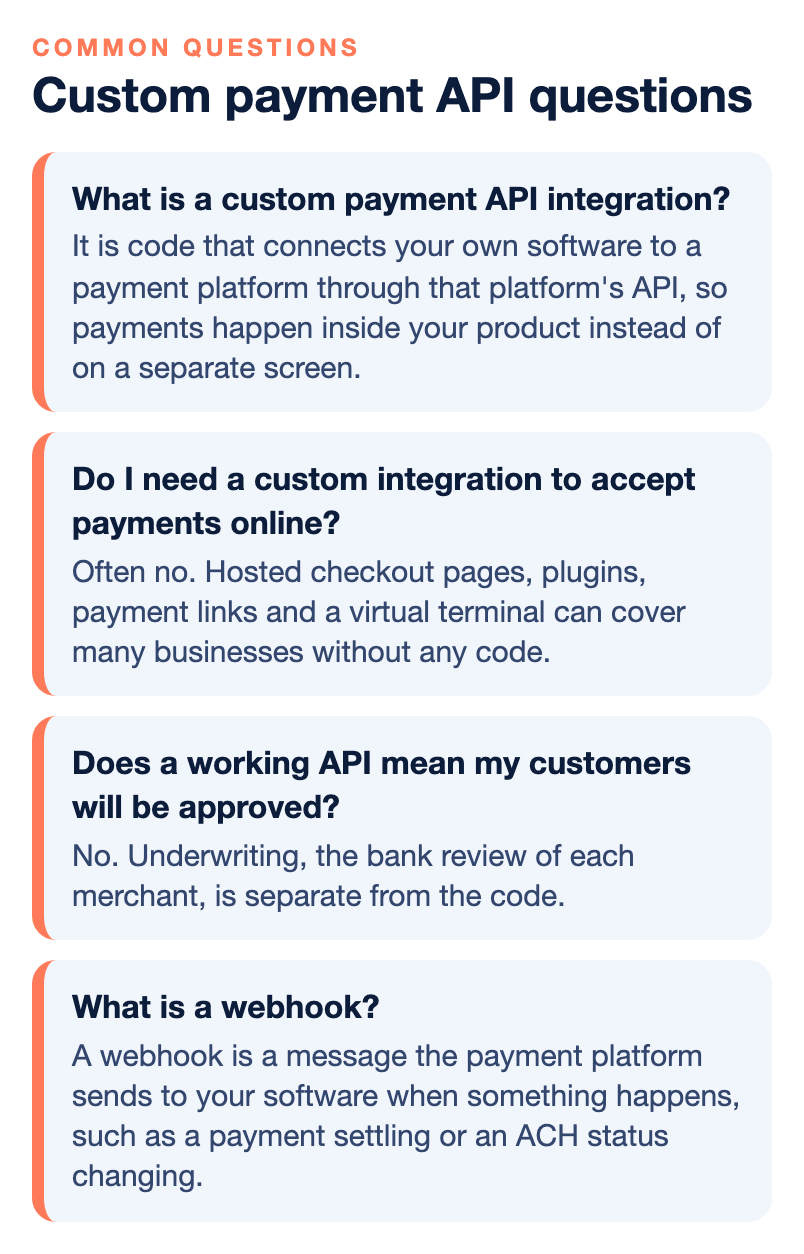
It is code that connects your own software to a payment platform through that platform’s API, so payments happen inside your product instead of on a separate screen. An API (application programming interface) is a set of rules that lets two programs talk to each other.
Do I need a custom integration to accept payments online?
Often no. Hosted checkout pages, plugins, payment links and a virtual terminal can cover many businesses without any code. A custom integration makes sense when the payment has to happen inside your own workflow and an off-the-shelf tool cannot do that.
What is a webhook?
A webhook is a message the payment platform sends to your software when something happens, such as a payment settling or an ACH status changing. Without webhooks, your software has to keep asking whether anything changed.
What is tokenization and why does it matter to a developer?
Tokenization replaces a real card number with a unique token that has no value on its own. Your software can store the token for authorized future payments, such as recurring billing, without keeping the card number.
Does a working API mean my customers will be approved?
No. Underwriting, the bank review of each merchant, is separate from the code. Ask who handles merchant onboarding and underwriting, and what happens if one of your customers is declined.
Is a test environment available?
A sandbox is a safe test copy of the payment system. NPS describes developer tools, API access, webhooks and sandbox environments as available from the NPS One dashboard for merchants who need to build custom integrations, and you can confirm what applies to your project when you contact the team.
What does NPS offer to software companies?
NPS describes RESTful APIs, webhooks, ACH, recurring billing, Smart Invoicing, payment links and B2B capabilities through NPSONE, and says qualified integration partners can get a dedicated Slack channel with its development team.