The right payment gateway depends less on brand names and more on where the card number gets typed. If customers pay on a page the gateway hosts, you get the quickest setup and the lightest security burden. If payments live inside your own website or software, an integrated gateway gives you control and costs you more development and more compliance work. If your staff key in payments taken by phone, by mail or in person without a terminal, a virtual terminal is the tool. This guide explains the three types, who each one fits, the questions that decide between them, and where Nationwide Payment Systems (NPS) fits.
The short version
- Choose a hosted payment page if you want to accept online payments quickly, you do not have developers, and you are happy for checkout to happen on a secure page that carries your branding but is run by the gateway.
- Choose an integrated gateway if payments need to happen inside your own website, app or software, if you want full control of the checkout, or if other systems need to react automatically when a payment succeeds or fails.
- Choose a virtual terminal if your team takes payments over the phone, from mailed forms or at a desk, and needs to key in a card or bank payment from a browser.
- Many businesses need two or all three. A good gateway lets you use them side by side, with one merchant account and one set of reports.
Who wrote this
Nationwide Payment Systems has served merchants since 2001, and our NPSONE platform includes a gateway, hosted payment pages, an API and a virtual terminal, so we are one of the options here. We do not quote rates in this guide, because pricing depends on each business. We do tell you where a simpler setup would serve you better. If you are new to the topic, our explainer on what a payment gateway is and how it works covers the basics. This guide is about choosing one.
What a payment gateway does, in one paragraph
A payment gateway is the software that takes a customer’s card or bank details, protects them, and sends the transaction to be approved. When a customer pays, the gateway passes the details to the processor and the card networks, the customer’s bank approves or declines, and the answer comes back to you in a couple of seconds. The gateway is not the same thing as your merchant account. The merchant account is where approved card sales settle before the money reaches your bank, and the gateway is the door the transaction walks through to get there. Some providers bundle the two so tightly that you cannot separate them, and others let you choose them independently. That difference matters later if you ever want to change one without changing the other.
The three types of payment gateway setup
Almost every gateway offers some mix of three ways to take a payment. The names vary from provider to provider, but the choice underneath is always the same: who controls the screen where the card details are entered.
1. Hosted payment page
With a hosted page, your customer clicks a pay button or a payment link and lands on a secure page run by the gateway. The page can carry your logo and colors, the customer enters their details there, and they come back to your site when they are done. Payment links sent by email or text, QR codes that open a payment page and invoice pay buttons all work the same way.
The big advantage is that card numbers never touch your website or your servers. That keeps your security and compliance work much lighter, because the gateway is handling the sensitive part. Setup is fast, often a matter of copying a link or installing a plugin, and you do not need a developer.
The trade-off is control. The checkout follows the gateway’s layout, and customers may notice the step away from your site. For many service businesses, contractors, professional firms and small online stores, that trade-off is worth it. For a business whose checkout is a big part of how it sells, it may not be.
2. Integrated gateway
An integrated gateway connects directly to your website, your e-commerce platform or your own software. It can be as simple as a plugin for your store, or as involved as an API your developers use to build payments into a custom application. Customers pay without ever leaving your site, and your systems can store payment methods for repeat customers, charge subscriptions on a schedule and mark orders or invoices as paid automatically.
This is where APIs and webhooks matter. The API lets your software create and manage payments. Webhooks let the gateway send your other systems a message when something happens, such as an approved payment, a declined card, a failed recurring charge or a paid invoice. Without webhooks, someone on your team usually ends up checking a dashboard by hand.
The trade-off is work and responsibility. An integrated checkout takes development time to build and to maintain, and the more your own pages and servers touch the payment, the more security and compliance work falls on you. Many gateways offer embedded payment fields that sit inside your page but are actually served by the gateway, which gives you a native look while keeping card numbers off your servers. Ask about that option before your developers build anything from scratch.
3. Virtual terminal
A virtual terminal is a secure web page your staff use to key in a payment, the way a cashier would on a card machine, but from any computer with a browser. It suits businesses that take orders by phone, receive mailed or faxed forms, collect deposits at a front desk, or occasionally need to run a payment without a terminal nearby. Many virtual terminals also let staff save a customer’s payment method for future charges, issue refunds and send a receipt.
The trade-off is cost and risk. Keyed-in card payments are card-not-present transactions, which usually cost more than a card that is tapped or inserted, and they carry more fraud and dispute exposure because the card is not physically there. Use address and security code checks on every keyed payment, keep records of the order, and limit which employees can process refunds.
How the three compare
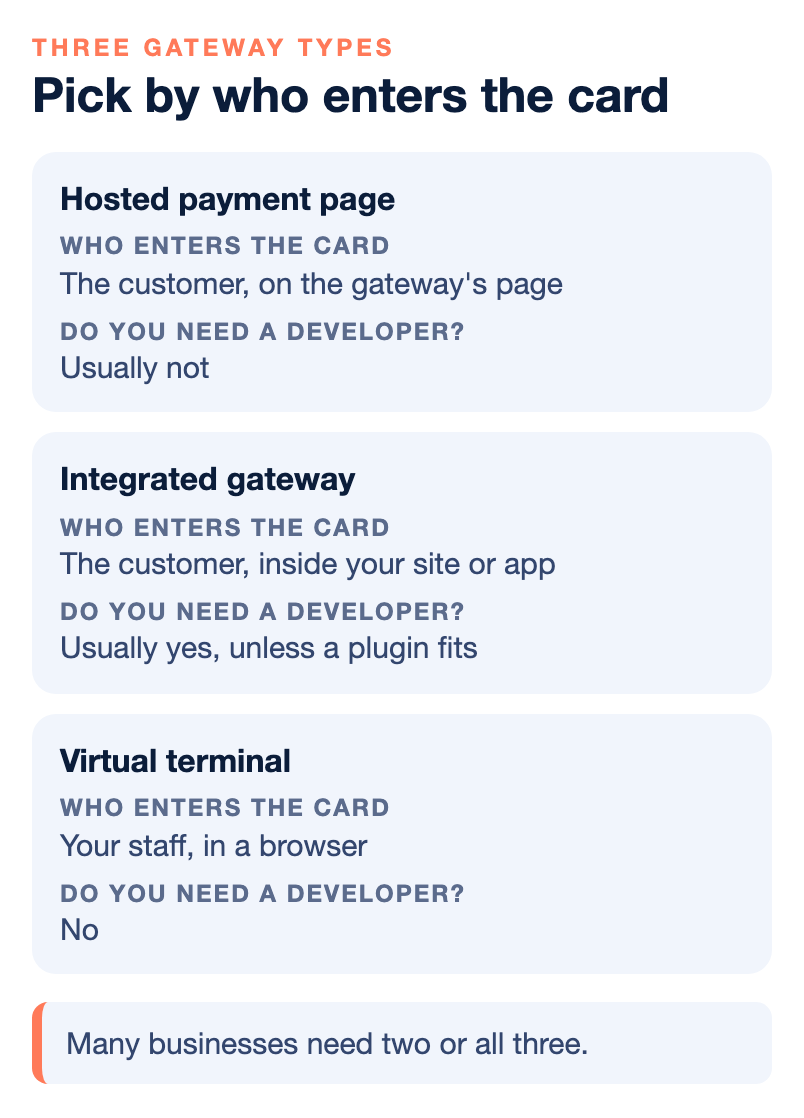
This table puts the three side by side. Use it to see which one matches how your customers already pay.
| Question | Hosted page | Integrated gateway | Virtual terminal |
|---|---|---|---|
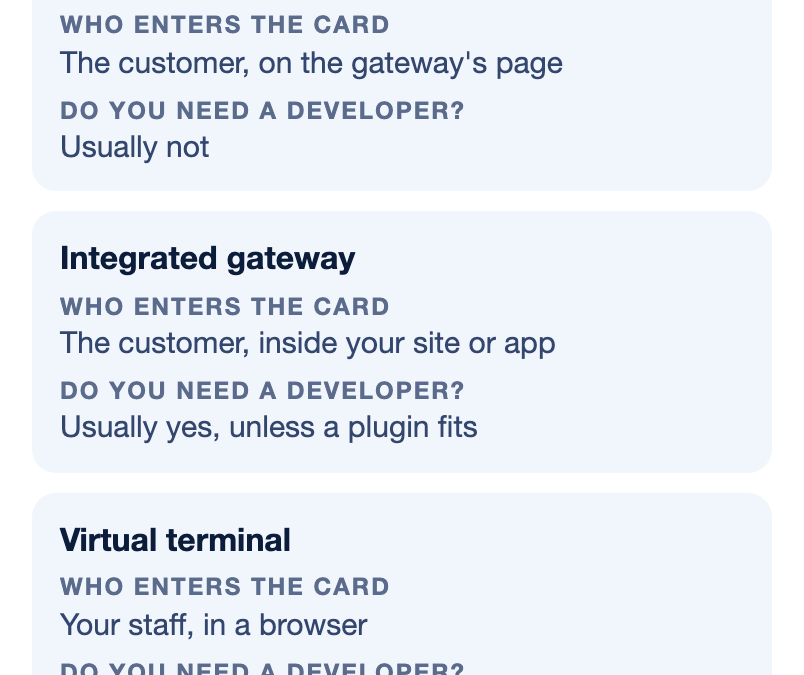
| Who enters the card? | The customer, on the gateway’s page. | The customer, inside your site or app. | Your staff, in a browser. |
| Do you need a developer? | Usually not. | Usually yes, unless a plugin fits. | No. |
| How much control over checkout? | Limited, with your branding. | Full. | Not a customer checkout. |
| How much security work falls on you? | The least. | The most, unless you use embedded fields. | Moderate, mostly about who has access. |
| Best for | Invoices, payment links, small online stores. | Custom sites, software, subscriptions. | Phone, mail and front-desk payments. |
Six questions that decide which gateway you need
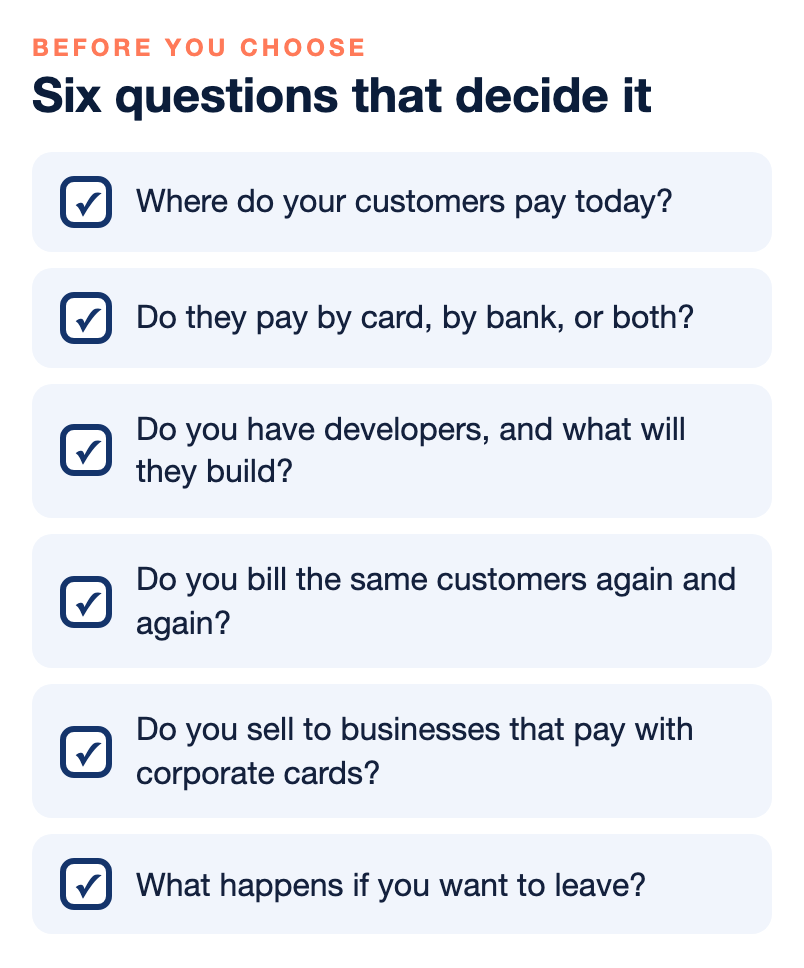
Before you compare providers, answer these six questions about your own business. The answers usually point to one type, or to the combination you need.
Where do your customers pay today?
List every place money comes in: your website, invoices, phone orders, a front desk, a trade show, recurring customers. A business that only sells through one checkout needs a different setup from one that collects payments five different ways. Most mid-sized businesses discover they need a hosted option for invoices, an integration for their website and a virtual terminal for the phone.
Do your customers pay by card, by bank, or both?
If your customers include other businesses, many will prefer to pay large invoices by ACH bank transfer. A gateway that handles cards and ACH together saves you a second vendor and a second set of reports. Our guide to ACH payments for B2B explains when bank payments make sense.
Do you have developers, and what will they build?
If nobody on your team writes code, start with hosted pages, payment links and a plugin for your store platform. If you have developers, ask to see the API documentation and the test environment before you sign, and ask who will answer their questions when an integration does not behave as expected. Documentation alone is rarely enough on a complex project.
Do you bill the same customers again and again?
Subscriptions, memberships, monthly retainers and installment plans all need stored payment methods and scheduled charges. Make sure the gateway handles recurring billing natively and tells your systems when a recurring charge fails, so you can follow up before the customer is lost.
Do you sell to businesses that pay with corporate cards?
Payments made with business, purchasing, fleet or government cards can qualify for lower card costs when the gateway sends extra details such as tax amounts, invoice numbers and line items. This is called Level 2 and Level 3 data, and not every gateway sends it correctly. Our guide for manufacturers and distributors choosing a B2B gateway goes deeper on this.
What happens if you want to leave?
Ask whether the gateway is tied to one merchant account or can work with others, and whether your stored customer payment data can be transferred if you move. Gateways that lock your stored cards inside their system make switching processors much harder later. This is one of the least asked and most important questions in the whole decision.
Security and compliance, in plain words
Every business that accepts cards has to follow the Payment Card Industry Data Security Standard, known as PCI DSS, and most small and mid-sized businesses confirm their compliance with a yearly self-assessment questionnaire. Which questionnaire you complete depends largely on how you take payments. When card details are entered on a page the gateway fully controls, the questionnaire is usually short. When your own website or servers touch card data, it grows considerably, and the work of keeping your site secure grows with it. A virtual terminal sits in between, with most of the effort going into which computers and which employees can use it.
You do not need to become a compliance expert to choose a gateway. You do need to ask each provider which questionnaire your planned setup would put you on, what tools they give you to complete it, and whether they offer tokenization, which replaces stored card numbers with a stand-in value so your systems never keep the real number. Your processor can confirm the details for your specific setup.
Gateway mistakes we see most often
- Choosing a gateway before the merchant account. If your business needs underwriting for its category, confirm the merchant account first, then pick a gateway that works with it.
- Building a custom checkout when a hosted page would do. Development time and compliance work are real costs. Start simple and integrate where it earns its keep.
- Ignoring the phone. Businesses that build a beautiful online checkout often forget that a share of their customers still call in. A virtual terminal fills that gap.
- Not testing declines and refunds. Everyone tests a successful payment. Test a declined card, a failed recurring charge and a refund before you go live.
- Letting the gateway hold your customer data hostage. Ask about portability before you store a single card.
Where NPS fits, and where it does not
Our NPSONE gateway covers all three setups on one platform. It accepts credit cards, debit cards and ACH, and it includes hosted payment pages, payment links by email, text and QR code, Smart Invoicing with deposits and partial payments, recurring and subscription billing, a RESTful API, webhooks, a WooCommerce plugin and accounting integrations. Businesses can also key in payments through a virtual terminal. The payment experience can be white-labeled so customers see your brand, and we support Level 2 and Level 3 processing for qualifying business transactions. Developers can call our team for help with API setup, webhooks and testing. You can read more on our NPSONE Gateway page.
Here is where we may not be the right choice:
- You only need a single pay button for a hobby or a side project. A simple self-service app may serve you better at very low volume.
- You want to be live in an hour with no paperwork. We underwrite each merchant account, which takes longer than an instant signup.
- You are choosing only on the lowest advertised rate. We do not publish one universal rate, because businesses with different volumes and card mixes have very different costs.
- Your store platform only works with its own built-in payments. Some platforms restrict outside gateways or charge extra for them. Check your platform’s rules first.
Bottom line
Choose your gateway by where the card gets entered. Hosted pages are the fastest and lightest. An integrated gateway gives you control at the price of development and compliance work. A virtual terminal covers the payments your staff take by phone and at the desk. Most growing businesses end up using two or three of them, which is why the best choice is usually one gateway that does all three on one merchant account with one set of reports, and that lets you take your customer data with you if you ever leave.
If you want a second opinion on your setup, you can talk with our team, or browse more topics in our payments guides.
Frequently asked questions
What is the difference between a payment gateway and a merchant account?
The gateway is the software that takes and protects the payment details and sends the transaction for approval. The merchant account is where approved card sales settle before the money reaches your bank. Some providers bundle the two, and others let you choose them separately, which matters if you ever want to change one without the other.
What is a hosted payment page?
It is a secure checkout page run by the gateway, usually with your logo and colors, where customers enter their payment details. Payment links, QR codes and invoice pay buttons work the same way. Because card numbers never touch your website, it keeps your security and compliance work lighter.
What is an integrated payment gateway?
It connects directly to your website, store platform or software, so customers pay without leaving your site. It can be a plugin or an API your developers build on, often with webhooks that tell your other systems when a payment succeeds or fails. It gives you the most control and puts the most development and security work on you.
When should a business use a virtual terminal?
Use one when staff take payments by phone, from mailed or faxed forms, or at a desk without a card machine. Staff key the payment into a secure web page from any computer. Keyed payments carry more fraud and dispute risk, so check the address and security code and keep a record of every order.
Which payment gateway type is the most secure?
Any of them can be secure when set up properly. Hosted pages and embedded payment fields keep card numbers off your servers, which usually means the least compliance work for you. When your own site or servers handle card data, you take on more of the security responsibility.
Can I use more than one type of gateway?
Yes, and many businesses do. A common setup is a hosted page or payment links for invoices, an integration for the website and a virtual terminal for phone orders. It is easiest when all three run on one merchant account with one set of reports.
Can I switch gateways without losing my saved customer cards?
Sometimes, but it depends on both providers. Ask before you sign whether stored payment data can be transferred out if you leave, and get the answer in writing. A gateway that keeps your stored cards locked in its system makes changing processors much harder later.
Does NPS offer a payment gateway?
Yes. Our NPSONE gateway supports cards and ACH, hosted payment pages, payment links, Smart Invoicing, recurring billing, a RESTful API, webhooks, a WooCommerce plugin and virtual terminal payments. Each merchant account is underwritten, so it is not an instant self-service signup.