High-Risk Merchant Accounts 2026: Processing, MATCH and Restricted Industries
Presented by Allen Kopelman, CEO — Nationwide Payment Systems-Host of B2B Vault: The Biz2Biz Podcast
AI Overview
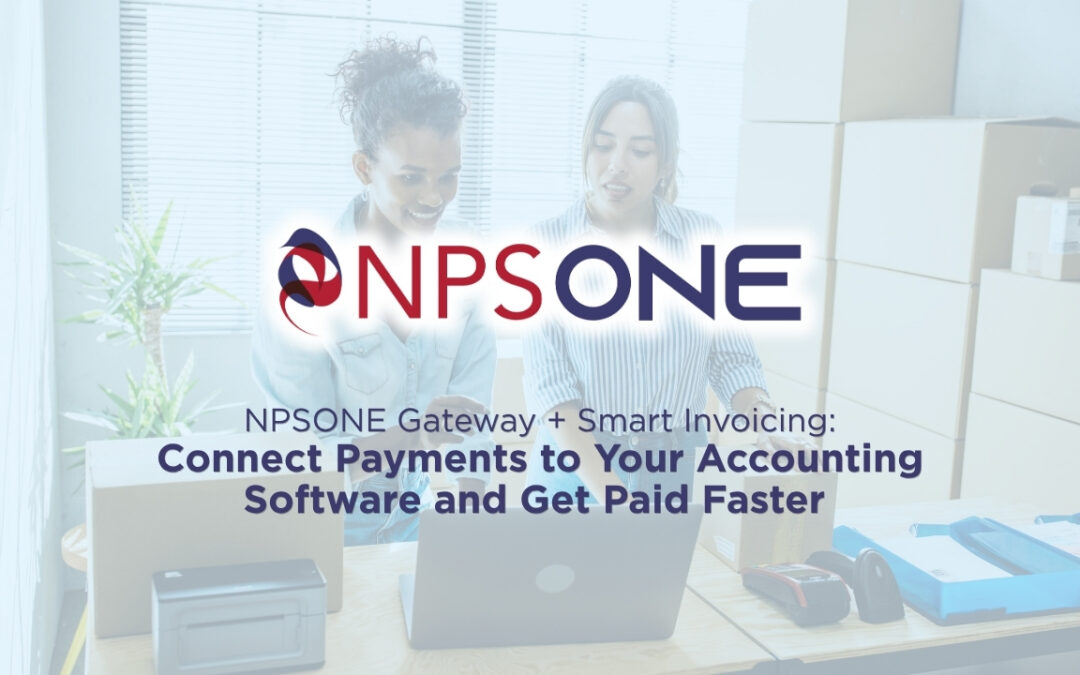
NPSONE is Nationwide Payment Systems' all-in-one payment gateway and platform. Smart Invoicing is an optional add-on module that connects NPSONE to accounting software such as QuickBooks Online, Xero, and Sage Intacct while adding invoicing, payment links, recurring billing, scheduled payments, payment reminders, QR codes, and accounts-receivable automation.
Businesses can use NPSONE to accept payments through credit cards and ACH, while the Smart Invoicing add-on helps connect payment activity to accounting workflows and gives customers more convenient ways to pay.
For B2B companies, NPSONE can also support payment-cost optimization strategies including Level 2 and Level 3 data, ACH, interchange-plus pricing, and other customized payment options.
sponsored by

Quick Answer: What Is NPSONE?
-
Credit card processing
-
ACH payments
-
Virtual terminal transactions
-
Payment links
-
Recurring payments
-
API integrations
-
Webhooks
-
B2B payment optimization
-
Level 2 and Level 3 processingBusinesses that want invoicing and accounting connectivity can add the Smart Invoicing module to NPSONE.
What Is Smart Invoicing?
-
Create and send invoices
-
Send invoices by email
-
Send invoices by text message
-
Generate payment links
-
Accept credit cards
-
Accept ACH
-
Automate payment reminders
-
Schedule payments
-
Set up recurring payments
-
Create QR codes
-
Support nonprofit receipts
-
Connect payment activity with accounting platformsThe payment transaction is processed through NPSONE, while Smart Invoicing adds the invoicing and accounting layer.
How Do NPSONE and Smart Invoicing Work Together?
What Accounting Platforms Does Smart Invoicing Connect With?
-
QuickBooks Online
-
Xero
-
Sage IntacctThis gives businesses more flexibility in how they connect payment processing to the accounting system they already use.The goal is not to force a business to replace its accounting software.The goal is to let businesses keep their existing accounting platform while gaining more control over how payments are accepted and managed.
Why Is QuickBooks Online Integration Useful?
-
More payment options
-
ACH acceptance
-
Credit card processing
-
Payment links
-
Recurring billing
-
Text and email delivery
-
Customized pricing options
-
B2B payment optimizationThe business can continue using QuickBooks Online while using NPSONE as its payment gateway.
Why Is Xero Integration Important?
Why Is Sage Intacct Integration Important?
-
Growing companies
-
Multi-location businesses
-
Distributors
-
Manufacturers
-
Professional organizations
-
Nonprofits
-
Larger B2B operations
Can Smart Invoicing Be Used Without Accounting Software?
Key Features & Capabilities
Can You Send Invoices by Text and Email?
Can Smart Invoicing Create Payment Links?
-
Sent by email
-
Sent by text message
-
Included in an email
-
Added to a website
-
Embedded in digital communications
-
Shared through social media
-
Used for deposits
-
Used for balances due
-
Used for donations
-
Used for service paymentsPayment links can make it easier to collect money when a traditional invoice is not necessary.
Can Payment Links Be Embedded on a Website?
-
Deposits
-
Service fees
-
Memberships
-
Registration fees
-
Donations
-
Event payments
-
Outstanding balances
-
Consultation fees
-
Other customer paymentsThe customer clicks the link, enters the required payment information, and the transaction is processed through NPSONE.
Can NPSONE Accept Both Credit Cards and ACH?
Why Should B2B Businesses Offer ACH?
Can NPSONE Help Reduce Payment Processing Costs?
-
Interchange-plus pricing
-
ACH
-
Level 2 data
-
Level 3 data
-
Large-ticket optimization
-
Dual pricing
-
Surcharging where permitted
-
Convenience fees where permitted
-
Customized payment programsThe Smart Invoicing module helps deliver and manage the invoice.NPSONE is the gateway where those payment strategies are applied.
What Is Level 2 Processing?
-
Customer code
-
Tax information
-
Invoice information
-
Purchase-order information
-
Other enhanced transaction detailsBusinesses accepting commercial or purchasing cards should review whether Level 2 data can help optimize their transactions.
What Is Level 3 Processing?
-
Product descriptions
-
Product codes
-
Quantity
-
Unit price
-
Unit of measure
-
Tax information
-
Freight
-
Shipping information
-
Invoice details
-
Line-item totalsQualifying businesses can potentially reduce processing costs when the correct enhanced data is submitted.
What Types of Businesses Benefit From Level 2 and Level 3?
-
Manufacturers
-
Distributors
-
Wholesalers
-
Suppliers
-
Government contractors
-
Food distributors
-
Auto-parts wholesalers
-
Medical suppliers
-
Dental suppliers
-
Restaurant-equipment companies
-
Packaging companies
-
HVAC suppliers
-
Electrical supply houses
-
Plumbing suppliers
-
Industrial businessesFor these companies, the combination of NPSONE + Smart Invoicing + Level 2/3 optimization can create a more complete B2B payment workflow.
Can Smart Invoicing Automate Payment Reminders?
-
Accounts-receivable efficiency
-
Employee productivity
-
Customer communication
-
Cash flow
-
Payment follow-upThe goal is to let employees focus on exceptions instead of repetitive administrative work.
Can Smart Invoicing Add Late Fees?
Can Customers Agree to Terms and Conditions Before Paying?
-
Payment authorization
-
Refund policies
-
Cancellation terms
-
Delivery terms
-
Service agreements
-
Other business policiesThis does not eliminate chargebacks, but it can provide another layer of documentation if a payment is later disputed.
Does Smart Invoicing Support Recurring Payments?
-
Memberships
-
Service contracts
-
Maintenance agreements
-
Monthly retainers
-
Equipment rentals
-
Associations
-
Subscription programs
-
Professional services
-
Nonprofits
-
Property-related servicesThe recurring transaction is handled through NPSONE, while Smart Invoicing helps manage the billing workflow.
Can Customers Schedule Future Payments?
-
Deposits
-
Installments
-
Balances due
-
Contract milestones
-
Payment plans
-
Future-dated invoicesGiving customers more flexibility can remove another barrier to getting paid.
Does NPSONE Include a Virtual Terminal?
-
Accounts receivable
-
Phone payments
-
Deposits
-
Office payments
-
Service businesses
-
Commercial customers
-
Remote employeesBusinesses accepting card-not-present payments should still follow proper fraud-prevention and security procedures.
Why Are Unlimited Users Important?
-
Accounting
-
Accounts receivable
-
Sales
-
Management
-
Customer service
-
Owners
-
Multiple locations
-
Different departmentsThis is especially valuable for growing businesses.
Can Nonprofits Use Smart Invoicing?
-
Donations
-
Recurring donations
-
Membership dues
-
Fundraising
-
Event payments
-
Sponsorships
-
QR-code donations
-
Payment links
-
ReceiptsSmart Invoicing can also help support receipt workflows that distinguish between portions of a payment that may be tax deductible and portions that are not, where appropriate.Nonprofits should consult their tax and accounting professionals regarding deductibility requirements.
Can Smart Invoicing Create QR Codes?
-
Flyers
-
Posters
-
Event signage
-
Invoices
-
Mailers
-
Trade-show materials
-
Fundraising displays
-
Websites
-
Printed marketing materialsThis makes it easier for someone to scan and pay immediately.
Developer & System Integrations
Can Developers Integrate NPSONE With Custom Software?
-
ERP systems
-
CRM platforms
-
Websites
-
Proprietary software
-
Customer portals
-
Internal business applicationsDevelopers can build workflows around:
-
Creating transactions
-
Generating payment links
-
Payment notifications
-
Transaction-status updates
-
Recurring payments
-
Customer records
-
Reconciliation
-
Order fulfillmentThis makes NPSONE the payment infrastructure, while Smart Invoicing adds the accounting and invoicing layer when needed.
What Are Webhooks?
-
A payment succeeds
-
A payment fails
-
An invoice is paid
-
A recurring payment is completed
-
A transaction status changesWebhooks can help automate these workflows without requiring employees to manually check payment activity.
Summary & Target Audience
How Can Smart Invoicing Help Businesses Get Paid Faster?
Who Should Consider NPSONE + Smart Invoicing?
-
Manufacturers
-
Distributors
-
Wholesalers
-
Suppliers
-
Importers
-
Exporters
-
HVAC contractors
-
Plumbing contractors
-
Electrical contractors
-
Supply houses
-
Food distributors
-
Automotive-parts companies
-
Medical suppliers
-
Dental suppliers
-
Restaurant-equipment companies
-
Packaging companies
-
Equipment dealers
-
Construction companies
-
Professional-service companies
-
Associations
-
Nonprofits
-
Technology companies
-
B2B organizationsBusinesses processing larger invoices may have additional opportunities to optimize payments through ACH and Level 2/3 processing.
What Makes NPSONE Different From Simply Using a Built-In Payment Option?
-
Credit cards
-
Commercial cards
-
Purchasing cards
-
Debit cards
-
ACH
-
Large-ticket transactions
-
Recurring payments
-
Card-present transactions
-
Card-not-present transactionsSmart Invoicing then connects those payment capabilities back to the invoicing and accounting workflow.
Smart Invoicing Is an Add-On, Not the Gateway
The Bottom Line
-
Credit card processing
-
ACH
-
Smart invoices
-
Payment links
-
Email and text delivery
-
Recurring payments
-
Scheduled payments
-
Automated reminders
-
Late-fee workflows
-
Terms-and-conditions acceptance
-
Virtual terminal
-
QR codes
-
Nonprofit payment tools
-
Unlimited users
-
Level 2 processing
-
Level 3 processing
-
RESTful APIs
-
Webhooks
-
QuickBooks Online integration
-
Xero integration
-
Sage Intacct integrationThe result is a more connected payment and accounts-receivable system.NPSONE handles the payment infrastructure. Smart Invoicing connects that infrastructure to the way your business bills and collects from customers.
Ready to See NPSONE + Smart Invoicing?
-
Your payment gateway
-
Your invoicing process
-
Your accounting software
-
ACH opportunities
-
Credit card pricing
-
Level 2 and Level 3 eligibility
-
Recurring billing
-
Payment links
-
API connectivity
-
Accounts-receivable automation
Request a Demo