Liquor Store POS System: How to Choose the Best POS for Your Liquor Store
The best POS for a liquor store is the one sized to your catalog: a liquor-ready retail POS with ID scanning, case and bottle inventory, promotions, loyalty and integrated payments for most independent stores, and NCR Counterpoint for the large wine shop or multi-store operator carrying tens of thousands of items. We recommend you decide on size first and features second, because the most common mistake we see is a store buying a system it will outgrow in two years, or paying for an enterprise platform it will never use. Nationwide Payment Systems (NPS) sells and supports both, and processes the cards that run through them. This guide walks through what a liquor store POS system actually includes, what to look for when you compare one against another, how age verification works at the counter, which payment setup fits which store, and when it is time to step up to Counterpoint.
What a liquor store POS system is, and why a general register falls short
A liquor store POS system is the software and hardware that runs your checkout and the business behind it. It combines the cash register, the inventory system and the customer records in one place, and it usually comes with a touchscreen, a barcode scanner, a cash drawer, a card reader and a receipt printer. That description fits plenty of retail systems. What makes a liquor store different is the list of problems the system has to solve on every single sale.
Think about what a normal Friday evening asks of your register. A customer buys a single bottle broken out of a case, a six-pack of craft beer and a bottle of wine on promotion, and pays with a phone. Before the sale can finish, someone has to confirm the customer is old enough to buy alcohol. The inventory has to come down by one bottle, not one case. The promotion has to apply automatically so the cashier does not have to remember it. And the tax on that ticket may not be one simple sales tax line. A general-purpose register handles some of this, some of the time, and leaves the rest to your staff and your spreadsheets.
Liquor retailers also tend to carry far more items than a typical shop of the same size. Whiskey, bourbon, vodka, tequila, wine, champagne, craft beer and imported spirits each come in sizes, vintages and pack counts, and a neighborhood store can easily pass several thousand SKUs. Add seasonal demand, vendor pricing changes and a customer base that comes back weekly for the same brands, and you have a business that rewards a POS built for it and punishes one that is not. When the system is wrong, the symptoms are familiar: stock counts that never match the shelf, popular bottles that sell out before anyone reorders, prices that differ between the shelf tag and the register, and a checkout line that moves slower than it should.
What Kind of POS System Does a Small Independent Liquor Store Need?
Start with three numbers, because they decide more than any feature list does: how many items you carry, how many registers you run, and how many locations you have or plan to have. Most single-store independents carry a few thousand items, run one or two checkout stations and want a system their staff can learn quickly. That store does not need an enterprise retail platform. It needs a liquor-ready retail POS that checks IDs, tracks bottles and cases, runs promotions and loyalty, and processes cards on the same system.
The picture changes as the catalog grows. A store with a deep wine selection, a large spirits wall and a craft beer cooler can climb past 20,000 SKUs, and at that size performance and inventory tools start to matter more than anything on the checkout screen. Multi-location operators have a different problem again, because stock, pricing and purchasing need to stay in sync across stores. Here is how we usually match a store to a system.
| Your store | What usually fits | Why |
|---|---|---|
| One neighborhood store, up to about 8,000 items | The NPS retail POS bundle | ID scanning, case and bottle tracking, promotions, loyalty and integrated payments without enterprise complexity. |
| A growing store near the 8,000-item line | Decide in a demo on your own catalog | Item count, pricing levels and plans for a second store decide it, not the brochure. |
| A large wine and spirits store with 20,000 items or more | NCR Counterpoint | Unlimited SKUs, multiple units of measure, automated purchase orders and vendor management. |
| Several locations, or wholesale accounts with bars and restaurants | NCR Counterpoint | Multi-store inventory and reporting, plus receivable billing accounts for the customers you invoice. |
The honest answer for most small independent stores is the first row. We would rather tell you that on the first call than sell you a platform you will use a fraction of. If you sit near the line between the two, do not guess. Bring your item count, your registers and your plans for the next few years to a demo, and make the call on what you see working with your own products.
What Does a Small Independent Liquor Store POS System Actually Include?
For the independent store, the NPS retail POS bundle is the system we put in most often. It is built for convenience stores, smoke shops, liquor stores and other small retailers with up to approximately 8,000 SKUs who need more than a basic card terminal but less than a full retail management platform. Within the NPS POS line, the Puma configuration is the one positioned for convenience and liquor stores. You can read the product details on our liquor store POS page. Here is what comes with it and what each part does for you.
The hardware on your counter
The bundle includes a merchant touchscreen, a customer-facing display, a card reader, a thermal receipt printer, a cash drawer and a barcode scanner that also reads driver’s licenses. That last piece matters more in a liquor store than almost anywhere else, because the same scanner that rings up a bottle also handles the ID check, so there is no second device to buy, charge or lose behind the counter. The customer-facing screen does not have to sit idle either. You can use it to show specials, new arrivals, seasonal offers and your loyalty program while the customer waits for the receipt.
The software behind it
The software covers the jobs a liquor store does every day. It tracks inventory by the case or by the bottle, applies promotions as items are scanned, runs a loyalty program, manages employees and their permissions, and reports on sales and profit. Owners who are not always standing behind the counter can manage the store remotely through a mobile app and a desktop portal, with sales statistics, daily sales summary emails, promotions, label printing and user permissions available from wherever they are. Depending on the plan, there are also tools such as an employee time clock, security camera integration that overlays transaction details on compatible footage, and advanced data for reviewing gross profit by item.
The payments built into it
Because NPS processes the cards, the POS and the payments come from one company. Your customers can pay with all major credit and debit cards, chip cards, tap-to-pay cards and phone wallets, and you choose the processing model that suits your store, which we cover further down. When the register and the processor are the same relationship, a problem at the counter is one phone call, not two companies pointing at each other.
Age verification and ID scanning, in plain words
Every liquor store has to confirm that the customer is old enough before it sells alcohol, and the cost of getting it wrong can include fines, penalties and, in the worst case, the loss of your liquor license. The rules are set at the federal, state and local levels, so the exact requirements depend on where you operate. What a good POS does is take the guesswork out of the moment at the counter, so a busy cashier on a Saturday night cannot simply forget.
Here is how it works on the NPS POS. When you set up your product departments, you mark the ones that need an age check, such as beer, wine and spirits, and you set the age limit for each department. From then on, when a cashier rings up an item from one of those departments, the POS stops and prompts the employee to scan the customer’s ID before the sale can finish. The barcode scanner reads the driver’s license, so the check happens with the same device the cashier is already holding. The result is that the check is built into the sale itself instead of living in a training binder.
A prompt does not replace your judgment or your training, and it is worth being clear about that. Your staff still need to look at the person and the ID, and you still need a store policy for when to refuse a sale. What the system gives you is consistency. Every age-restricted sale triggers the same check, every time, whether it is your most experienced manager at the register or a new hire on their second shift. For larger stores, NCR Counterpoint offers highly configurable ID prompts and integrates with ID scanners, which helps stores in different jurisdictions set the rules their own laws require.
Inventory for bottles, cases and a big catalog
Inventory is where most liquor stores feel the pain of the wrong system first. Popular items sell out before they can be reordered, slow movers sit on the shelf tying up cash, and the numbers in the system drift away from what is actually in the stockroom. A liquor store POS should fix that by doing the counting for you.
On the NPS POS, you tell the system which products to count and enter a starting number. Every time one of those items sells, the system subtracts it. The inventory screen shows every tracked item and tells you when it is time to order more, so you see low stock before a customer sees an empty shelf. You can track by the case or by the bottle, which matters when you break cases and sell singles. Over time, the sales trends show you your best sellers and your slow movers, and that is the information you need to buy smarter, run promotions on the bottles that are not moving, and keep better control over valuable stock that walks out the door when nobody is watching.
A large catalog asks for more. A wine and spirits store managing 20,000 SKUs or more needs a system that stays fast under that load and gives the buyer tools to manage it. NCR Counterpoint handles unlimited SKUs across one store or many, supports multiple units of measure such as bottles, six-packs and cases, and tracks inventory by bottle, case, vendor, category and location. Its automated purchase orders and vendor management tools take a large share of the work out of restocking a deep wine selection. If your inventory problems sound like that, read our page on NCR Counterpoint POS before you decide.
Pricing, promotions and loyalty that bring customers back
Liquor retail is a repeat-purchase business. Many of your customers come back every week or every month for the same brands, and the store that remembers them, rewards them and gives them a reason to choose you over the next store down the road is the store that keeps them. Your POS should make that easy instead of turning every promotion into a manual price change.
When you add a promotion on the NPS POS, it takes the price off scanned items automatically. You can create special price reductions for products you want off your shelves, and discounts that apply only when a customer buys a certain number of items or spends a certain amount. The dashboard then tracks your promotions, so you can see which ones actually moved product and which ones only gave away margin. Because the discount lives in the system, the cashier does not have to remember the weekend special, and the shelf tag and the register stay in agreement.
Loyalty works the same way. You can reward customers with points based on what they spend, set up loyalty clubs with offers such as buy ten, get one free, and keep each customer’s purchase history so you know who your regulars are and what they buy. For stores that also run a tasting bar or a service counter, digital tipping can be turned on at checkout. Larger stores on NCR Counterpoint get advanced loyalty programs, discounts and promotional campaigns, along with the pricing depth that comes with a full retail management system.
Liquor Store POS Systems: Payment Solutions for Every Type of Operation
Not every liquor business takes payments the same way, and the right setup depends on what kind of operation you run. A neighborhood package store, a large wine retailer with a tasting room, and a store that also sells to bars and restaurants each need something slightly different from their POS and their processor.
The counter itself is the same for everyone. Your customers expect to pay with whatever is in their pocket, so the system should accept all major credit and debit cards, chip cards, tap-to-pay cards and phone wallets at every station, quickly and securely. Fast barcode scanning and tap-to-pay together shorten the line, and a shorter line on a busy evening is money in the drawer.
Beyond the counter, the operations start to differ. A store with a tasting bar or a service counter may want digital tipping on the same terminal. A wine retailer or a winery may handle tasting room sales, retail bottles, shipping orders and wholesale inventory, and wants all of it in one system rather than three. A store that also sells to restaurants or bars needs to bill those customers on account, and NCR Counterpoint supports receivable billing accounts for exactly that. A multi-location operator needs the payments and the reporting to roll up across stores so the owner sees one business, not several disconnected ones.
Then there is how you pay for processing itself. NPS offers three models with the POS, and the right one depends on your volume, your average ticket and your mix of debit and credit.
- Flat rate pricing gives you a simple, predictable structure that is easy to understand on your statement.
- Cost plus pricing shows you the underlying interchange and card-brand costs plus the processor’s markup, which tends to suit larger stores that want to see exactly what they pay.
- Dual pricing or a cash discount program lets eligible merchants offset most or all of their card processing expense by showing a cash price and a card price.
Dual pricing has become popular with liquor retailers because the margins on many bottles are thin and card fees add up fast. It has to be set up correctly, though. Card-brand rules from Visa and Mastercard and the law in your state govern how prices are displayed and what you can charge, and a program that is configured wrong can cause more trouble than it saves. Before you turn it on, read our guide on whether your cash discount or dual pricing program is compliant.
POS Systems for a Small Independent Liquor Store: Payment Solutions to Consider
For the small independent store, the payment decision usually matters more to the monthly bottom line than any single POS feature. A store that does most of its business in cards on a thin margin feels every point of processing cost, and the setup you choose at the start is the one you will live with every day.
Here is how we suggest a small store think about it. If you want simplicity and predictable costs and your volume is modest, flat rate pricing is easy to live with. If your volume is higher and you want to see exactly what each transaction costs, cost plus pricing gives you that transparency. If your customers are comfortable seeing a cash price and a card price, and you set the program up within the rules, dual pricing can offset most or all of your processing expense. There is no single right answer for every store, because the best model depends on your monthly volume, your average ticket, how much of your business is debit versus credit, and how your customers will react to the price display.
The other choice to weigh is whether to keep your POS and your processing with one company. When they are separate, a problem at the register can turn into a back-and-forth between a POS vendor, a processor, a gateway and a hardware supplier, each of which can blame another. When NPS provides both, we can look at the whole picture at once: your card costs, your debit costs, your transaction mix, your hardware and your software. Send us a recent merchant statement and we will show you which model makes the most sense for your store before you sign anything. We price each business individually, so the right number for you comes from your own statement, not from a chart on a website.
What to look for when you compare liquor store POS systems
When you sit down to compare systems, the brochures will all claim the same things. The way to cut through that is to compare them on the jobs your store actually does, in the order that matters to a liquor retailer. These are the areas we would test in any demo, for any system, including ours.
Inventory management
This is the backbone. Ask how the system handles cases, bottles and packs, whether selling a single bottle from a case adjusts the count correctly, and how quickly you can search the catalog by brand, distributor or category. Ask whether it can generate purchase orders and manage vendors, or whether reordering stays a manual job.
Performance at your item count
A system that runs smoothly with a small catalog may slow down at 20,000 items. If you carry a large catalog, or plan to, test the system with a realistic item count and ask what hardware it needs to stay fast. Ask how it performs across more than one store if you have a second location in mind.
Age verification and compliance
Ask whether ID checks are built into the sale or left to the cashier, whether you can set different age rules by department, and whether the scanner you already need for barcodes also reads IDs. Ask how the system adapts to state and local rules where you operate.
Reporting
Look for reports a liquor store uses: sales by brand, profit margins, top sellers, slow-moving inventory and vendor performance. Ask whether advanced analytics are included or an add-on, and whether a multi-store owner can see all locations in one dashboard.
Ease of use and training
A powerful system your staff cannot learn is a slow checkout line. Ask how long training takes for a new cashier, and how much setup a more advanced system needs before it runs smoothly. Simple systems are quicker to learn, while deeper systems take more training up front and repay it once they are configured.
Integrations
Ask what the system connects to: online ordering, delivery, loyalty, gift cards, accounting software and marketing tools. An all-in-one system includes more out of the box but connects to fewer outside tools. A larger platform with an open API connects to more, with more setup.
Hardware and deployment
Ask what hardware comes with the system, whether it is a complete bundle with a touchscreen, scanner and printer, and whether it receives updates automatically. Ask whether any of your current equipment can be reused, and what happens when a device fails on a busy night.
Run every system you consider through the same list, and do it with your own products on the screen. The system that wins on the jobs your store does most often is the right one, even if another one has a longer feature sheet.
The must-have checklist for a liquor store POS
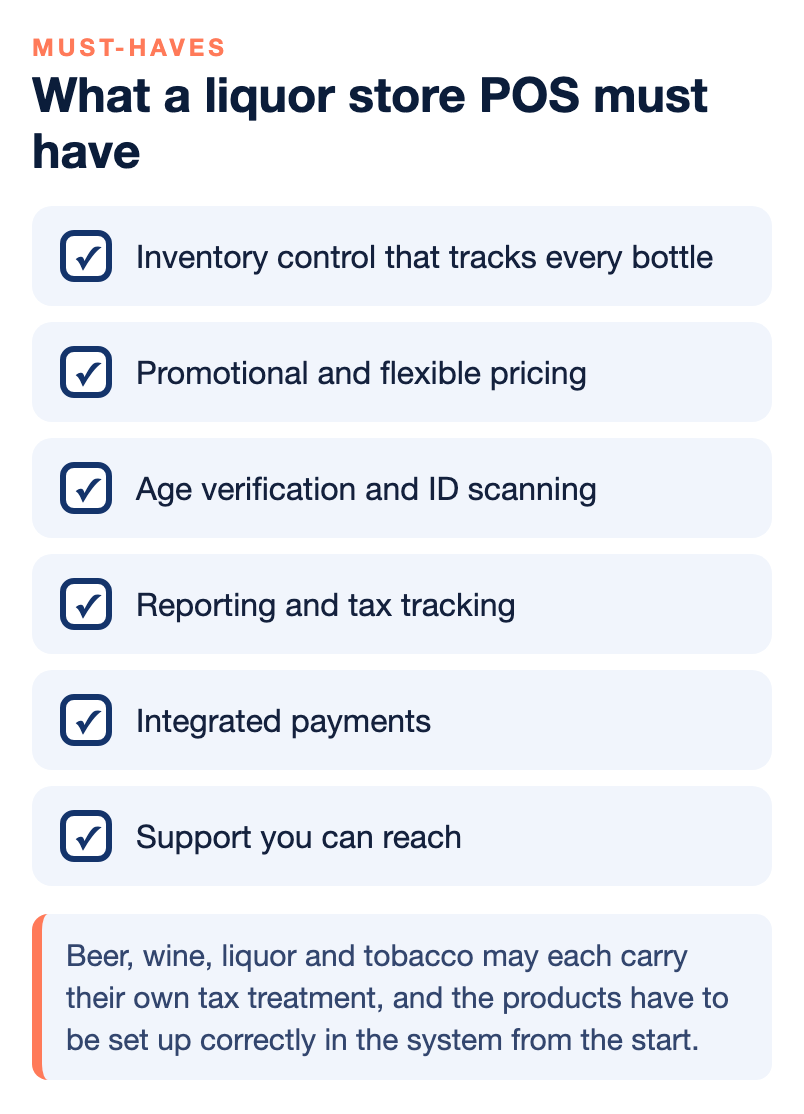
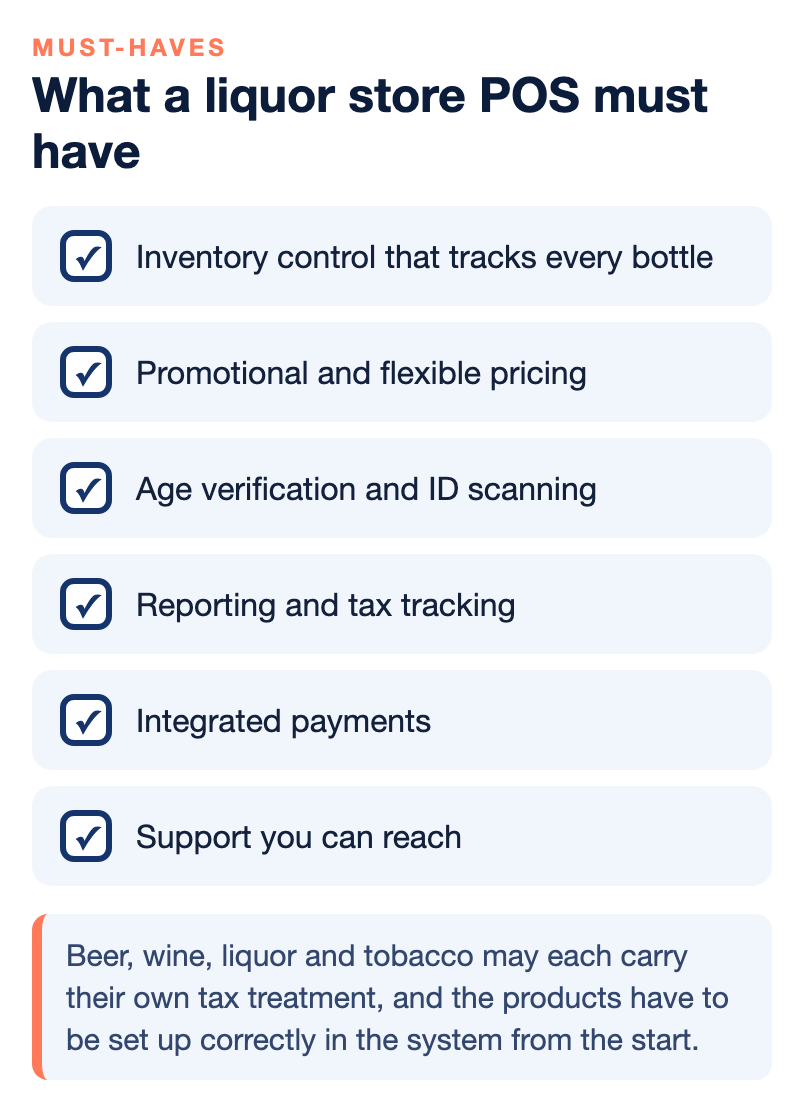
If you only remember one part of this guide, make it this list. These are the capabilities we consider non-negotiable for a liquor store, and any system that misses one of them will cost you time, money or compliance risk sooner or later.
- Inventory control that tracks every bottle. Real-time counts, case and bottle tracking, and low-stock alerts before the shelf runs empty.
- Promotional and flexible pricing. Quantity and spend-based discounts that apply automatically when items are scanned, so cashiers do not make pricing errors.
- Age verification and ID scanning. Age checks built into age-restricted departments, with the scanner reading the ID.
- Reporting and tax tracking. Reports that handle the several taxes a liquor store may deal with, such as sales tax, liquor tax and tobacco tax if you sell it.
- Integrated payments. Every major card, tap-to-pay and phone wallet on the same system as the POS, with a processing model that fits your store.
- Loyalty and customer history. Points, clubs and purchase history that bring regulars back.
- Fast barcode checkout. Accurate scanning that keeps prices right and the line moving.
- Support you can reach. A help desk you can call when something breaks, including outside office hours.
Tax tracking deserves a closer look than it usually gets. Beer, wine, liquor and tobacco may each carry their own tax treatment, and the products have to be set up correctly in the system from the start. When they are, month-end reporting is a report you print. When they are not, it is an evening with a calculator and a stack of receipts.
When a larger liquor store needs NCR Counterpoint
Large liquor retailers and wine stores often manage massive inventories with tens of thousands of products, and at that size a small-business POS starts to struggle. NCR Counterpoint is the enterprise retail management system we sell, install and support for those stores, and it is built for scale. It handles unlimited SKUs across multiple locations, supports multiple units of measure, automates purchase orders and vendor management, and gives you advanced dashboards, real-time reporting, custom alerts and multi-store analytics.
Counterpoint also handles the parts of a larger operation that a small system does not. It tracks inventory by bottle, case, vendor, category and location, which is essential for a wine retailer with a large catalog. It reports on best sellers, vendor performance, profit margins, sales trends and membership programs. It runs advanced loyalty, discounts and promotional campaigns. And for the store that also sells to restaurants or bars, it supports receivable billing accounts, so those wholesale customers can be invoiced from the same system that runs the register.
The trade-off is complexity. Counterpoint takes more training to set up than a simple retail POS, and it repays that effort once it is configured around how your store works. That is why we install it in person and train your managers and staff, and why we only recommend it to the stores that will use what it does. A small store with a simple catalog does not need it, and we will say so. If you are on the fence, the signs that point to Counterpoint are a catalog heading past 20,000 items, more than one location, wholesale accounts, layered pricing and purchasing work that has outgrown spreadsheets. Our NCR Counterpoint page covers how the installation, licensing and support work.
Selling online, for pickup and for delivery
Customers who shop from their phone want to order online and pick up in the store or have it delivered, and a liquor store POS that ties online orders to the same inventory keeps your stock counts right in both places. On the NPS POS, e-commerce options can include your own online store, a local shopping app and delivery network services, depending on the plan, and orders flow back into the same inventory as your counter sales.
You do not even need a website to start. Through the NPS POS, a liquor store or convenience store can sync its product catalog directly with a major delivery app, keep pricing up to date from the POS price book, and manage and pick orders right on the POS terminal. We explain how that works in our guide to how c-stores and liquor stores can start selling for delivery without a website. Before you sell alcohol online or for delivery, check the rules in your state, because delivery of alcohol carries its own age and licensing requirements.
Hardware, setup and support
Getting a new POS running is a project, and the stores that go live smoothly are the ones that plan it. For the NPS retail POS bundle, setup is quick for most small stores and training is short, because most cashiers learn the interface quickly. The bigger job is your product catalog. Setting up departments, age rules, case and bottle counts and tax treatment correctly at the start is what makes everything after it work, so we walk through that with you before the first sale. Some stores also want to add an extra checkout station on a budget, and on the NPS POS line that can sometimes mean installing the POS application on a compatible Android tablet.
For Counterpoint, the setup is deeper. We build the system around your store, move your data across, and install it in person, then train your team by role. If you already have hardware, we check what can stay and what needs replacing before you buy anything new.
Support is the part people underestimate until the scanner stops working on a Friday night. Our office keeps regular business hours, roughly 9 or 10 in the morning until 6 in the evening. Outside those hours, merchants reach 24/7 support through the help desk for their product, so a problem at the register does not have to wait until morning. Because we provide both the POS and the processing, you also have one company to call for both, not a POS vendor and a processor who each say the problem belongs to the other.
Liquor Store POS Systems: Browse Merchant Services Solutions
A liquor store POS is one part of how your store takes payments, and most owners end up looking at the whole picture once they start. If you want to go deeper on any part of it, these are the places to start on our site.
- The NPS liquor store POS. Features, hardware and how the system works in a liquor, wine and spirits store, on our liquor store POS product page.
- A POS for small retailers. If you run a convenience store, smoke shop or mixed retail store alongside your liquor sales, our retail POS for convenience stores, smoke shops and small retailers covers the same bundle from that side.
- NCR Counterpoint. For large and multi-location stores, see NCR Counterpoint POS from NPS.
- Cash discount and dual pricing. The rules, and how to stay compliant, in our cash discount and dual pricing compliance guide.
- Delivery without a website. Our delivery guide for c-stores and liquor stores.
- Everything else about payments. Processing models, statements, fees explained in plain words and more in our payments guides.
How to choose your liquor store POS and get started
Choosing a POS does not have to take months. Most stores can make a confident decision in a few steps, as long as each step is grounded in your own store rather than a sales pitch.
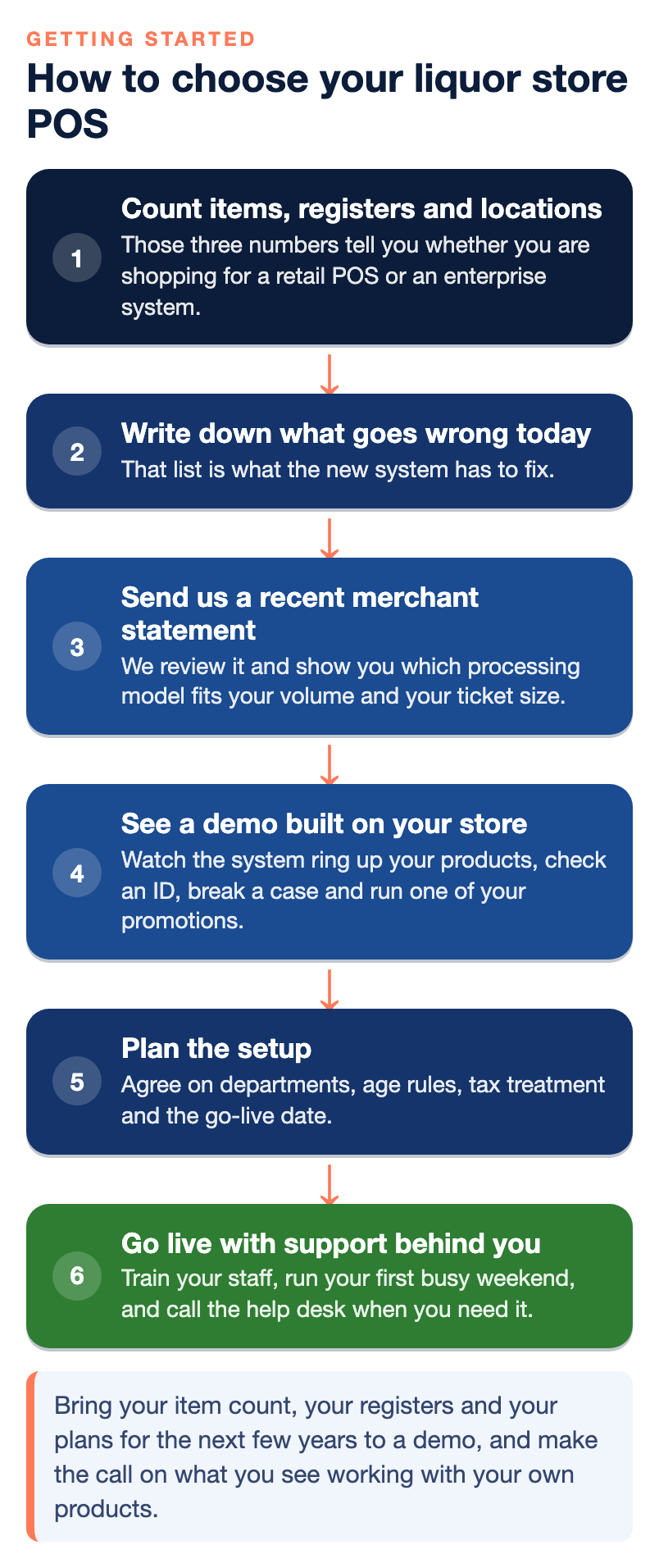
- Count your items, registers and locations. Those three numbers tell you whether you are shopping for a retail POS or an enterprise system.
- Write down what goes wrong today. Stock that never matches, slow checkout, missed age checks, manual promotions or a confusing processing statement. That list is what the new system has to fix.
- Send us a recent merchant statement. We review it and show you which processing model fits your volume and your ticket size.
- See a demo built on your store. Watch the system ring up your products, check an ID, break a case and run one of your promotions.
- Plan the setup. Agree on departments, age rules, tax treatment and the go-live date, ideally during a quieter part of the week.
- Go live with support behind you. Train your staff, run your first busy weekend, and call the help desk when you need it.
When you are ready to start, contact us and tell us about your store. We will ask how many items you carry, how many stations you run and how you take payments today, and then recommend the system and the processing setup we would use if it were our store.
The bottom line
For most independent liquor stores, the right POS is a liquor-ready retail system that checks IDs at the scanner, tracks every bottle and case, runs promotions and loyalty without manual work, and processes cards on the same platform, and that is what the NPS retail POS bundle is built to do for stores with up to about 8,000 items. If your catalog is heading past 20,000 items, you run more than one location or you sell to bars and restaurants on account, step up to NCR Counterpoint and do not try to stretch a small system past what it was built for. Whichever you choose, decide on your own catalog in a demo, get the processing model right from your own statement, and make sure the age check is built into the sale, not left to memory.
Frequently Asked Questions
What is the best POS system for a liquor store?
The best POS for a liquor store is one sized to your catalog. For most independent stores, that is a liquor-ready retail POS with ID scanning, case and bottle inventory, promotions, loyalty and integrated payments. For large wine and spirits stores with 20,000 items or more, or several locations, NCR Counterpoint is usually the better fit.
How does age verification work on a liquor store POS?
You mark the product departments that need an age check, such as beer, wine and spirits, and set the age limit for each one. When a cashier rings up an item from one of those departments, the POS prompts the employee to scan the customer’s ID before the sale can finish. On the NPS POS, the barcode scanner also reads driver’s licenses.
Can a liquor store POS track bottles and cases separately?
Yes. The NPS POS lets you track inventory by the case or by the bottle, subtracts items as they sell and alerts you when stock runs low. NCR Counterpoint supports multiple units of measure, such as bottles, six-packs and cases, and tracks inventory by vendor, category and location as well.
How many products can the NPS retail POS handle?
The NPS retail POS bundle is built for stores with up to approximately 8,000 SKUs. Stores with 20,000 items or more, or with several locations, are usually better served by NCR Counterpoint, which handles unlimited SKUs. If you are near the line, we recommend deciding in a demo on your own catalog.
Does a liquor store POS support customer loyalty programs?
Yes. On the NPS POS, you can reward customers with points based on what they spend, set up loyalty clubs such as buy ten, get one free, and keep each customer’s purchase history. NCR Counterpoint offers advanced loyalty programs, discounts and promotional campaigns for larger stores.
Can liquor stores use dual pricing or a cash discount program?
Yes, for eligible merchants. A properly structured dual pricing or cash discount program can offset most or all of a store’s card processing expense. Card-brand rules and state law govern how it works, so the program has to be set up correctly and checked for where you operate before you turn it on.
Can I sell online or for delivery from my liquor store POS?
Yes. Depending on the plan, NPS POS e-commerce options can include your own online store, a local shopping app and delivery network services. A liquor store can also sync its catalog directly with a major delivery app through the NPS POS, without building a website. Check your state’s rules on alcohol delivery first.
How much does a liquor store POS system cost?
There is no single price, because the total depends on the system you need, the number of stations, the hardware, the software plan and your card processing. NPS prices each business individually and runs different POS offers from month to month, so ask us for a current quote built on your own store.